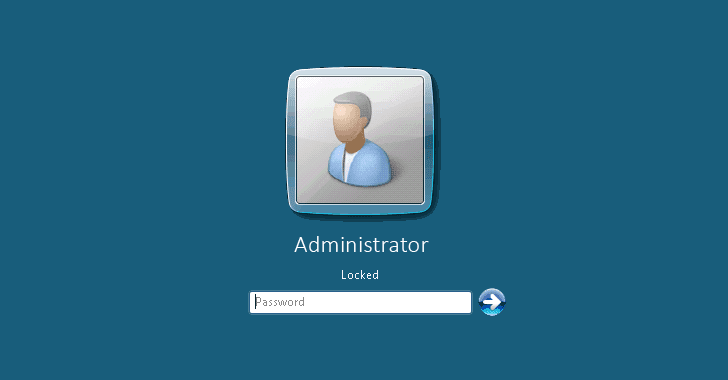
unpatched vulnerability in Microsoft Windows Remote Desktop
Protocol (RDP).
Tracked as CVE-2019-9510, the reported vulnerability
could allow client-side attackers to bypass the lock screen on
remote desktop (RD) sessions.
Discovered by Joe Tammariello of Carnegie Mellon University
Software Engineering Institute (SEI), the flaw exists when
Microsoft Windows Remote Desktop feature requires clients to
authenticate with Network Level Authentication (NLA), a feature
that Microsoft recently recommended as a workaround against the
critical BlueKeep RDP
vulnerability.
[1]
According to Will Dormann, a vulnerability analyst at the CERT/CC,
if a network anomaly triggers a temporary RDP disconnect while a
client was already connected to the server but the login screen is
locked, then “upon reconnection the RDP session will be restored to
an unlocked state, regardless of how the remote system was left.”
“Starting with Windows 10 1803 and Windows Server 2019, Windows
RDP handling of NLA-based RDP sessions has changed in a way that
can cause unexpected behavior with respect to session locking,”
Dormann explains in an advisory[2] published
today.
“Two-factor authentication systems that integrate with the
Windows login screen, such as Duo Security MFA, are also bypassed
using this mechanism. Any login banners enforced by an organization
will also be bypassed.”
The CERT describes the attack scenario as the following:
- A targeted user connects to a Windows 10 or Server 2019 system
via RDS. - The user locks the remote session and leaves the client device
unattended. - At this point, an attacker with access to the client device can
interrupt its network connectivity and gain access to the remote
system without needing any credentials.
This means that exploiting this vulnerability is very trivial, as
an attacker just needs to interrupt the network connectivity of a
targeted system.
However, since the attacker requires physical access to such a
targeted system (i.e., an active session with locked screen), the
scenario itself limits the attack surface to a greater extent.
Tammariello notified Microsoft of the vulnerability on April 19,
but the company responded by saying the “behavior does not meet the
Microsoft Security Servicing Criteria for Windows,” which means the
tech giant has no plans to patch the issue anytime soon.
However, users can protect themselves against potential
exploitation of this vulnerability by locking the local system
instead of the remote system, and by disconnecting the RDS sessions
instead of just locking them.
References
- ^
BlueKeep RDP vulnerability
(thehackernews.com) - ^
advisory
(kb.cert.org)
Read more http://feedproxy.google.com/~r/TheHackersNews/~3/vuH4b8lQvn0/rdp-windows-lock-screen.html