 |
| Image via Keeper |
Right Now, Get 30% Off Keeper, the Most Trusted Name in
Password Management.
In one way or another, almost every aspect of our lives is
online, so it’s no surprise that hackers target everything from
email accounts to banks to smart home devices, looking for
vulnerabilities to exploit. One of the easiest exploits is cracking
a weak password. That’s why using a strong, unique password for
each individual account is so important. But creating and
remembering strong, unique passwords for dozens of accounts is
nearly impossible – unless you’re using a top-rated password manager like
Keeper[1].
 |
| Image via Keeper |
A strong password should be a minimum of 12 characters
long, with uppercase and lowercase letters, numbers, and one or
more special characters. More importantly, it shouldn’t contain
dictionary words or personal information like birthdays or names.
But the average American has 100 passwords[2]. Maybe that’s why
66%[3]
of people in the US use the same password for multiple accounts,
and 59% use their names and birthdays.
 |
| Image via Keeper |
Considering the record number of data breaches[4] in 2021, reusing weak
passwords that contain personal information is a terrible idea.
Luckily, you can take steps to avoid becoming the next victim, and
a password manager like Keeper[5]
a great place to start. It’s a third-party service that lets you
generate, autofill, and manage strong, unique passwords for all
your accounts, and it’s one of the highest-ranked password managers
on the market today.
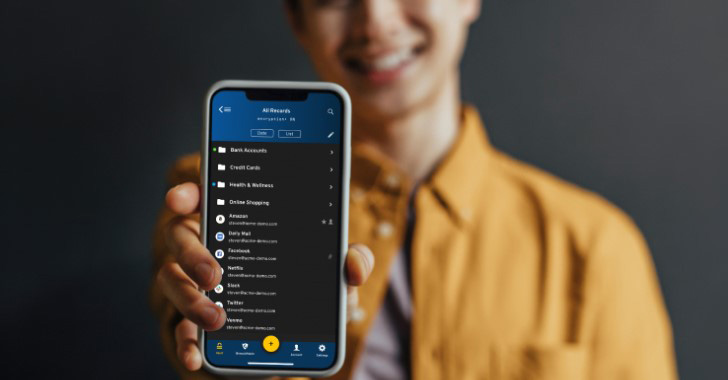
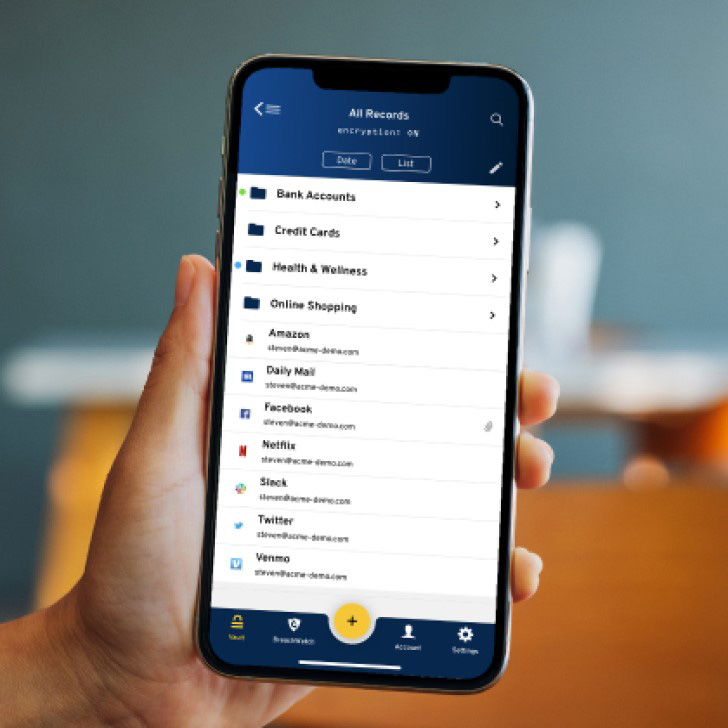
Keeper generates and stores an unlimited number of
passwords[6] and automatically logs
you into your apps and online accounts. It also monitors your
passwords to create strength reports to spot weaknesses and ensure
you’re not at risk. It also offers two-factor authentication,
password security alerts, and the ability to share passwords with
other users securely. Best of all, you can use it on an unlimited
number of devices.
The Keeper app is built around a strict “zero-knowledge[7]” policy, so your
unencrypted data is never stored on Keeper’s servers. Keeper also
offers a simple, easy-to-use interface and supports biometric
security, such as fingerprint and face identification.
Keeping your accounts safe isn’t just simple; it’s also
affordable. Right now, you can get up to 50% off of Keeper’s two
most popular plans: Keeper Unlimited and Keeper Family. So,
head to the official Keeper site[8] today, and take control
of your online security.
References
- ^
a
top-rated password manager like Keeper
(click.linksynergy.com) - ^
100
passwords (tech.co) - ^
66%
(storage.googleapis.com) - ^
record
number of data breaches
(www.idtheftcenter.org) - ^
Keeper
(click.linksynergy.com) - ^
generates and stores an unlimited
number of passwords (click.linksynergy.com) - ^
zero-knowledge
(click.linksynergy.com) - ^
head to
the official Keeper site
(click.linksynergy.com)
Read more https://thehackernews.com/2022/07/stop-putting-your-accounts-at-risk-and.html